Shadows, bloom & lights
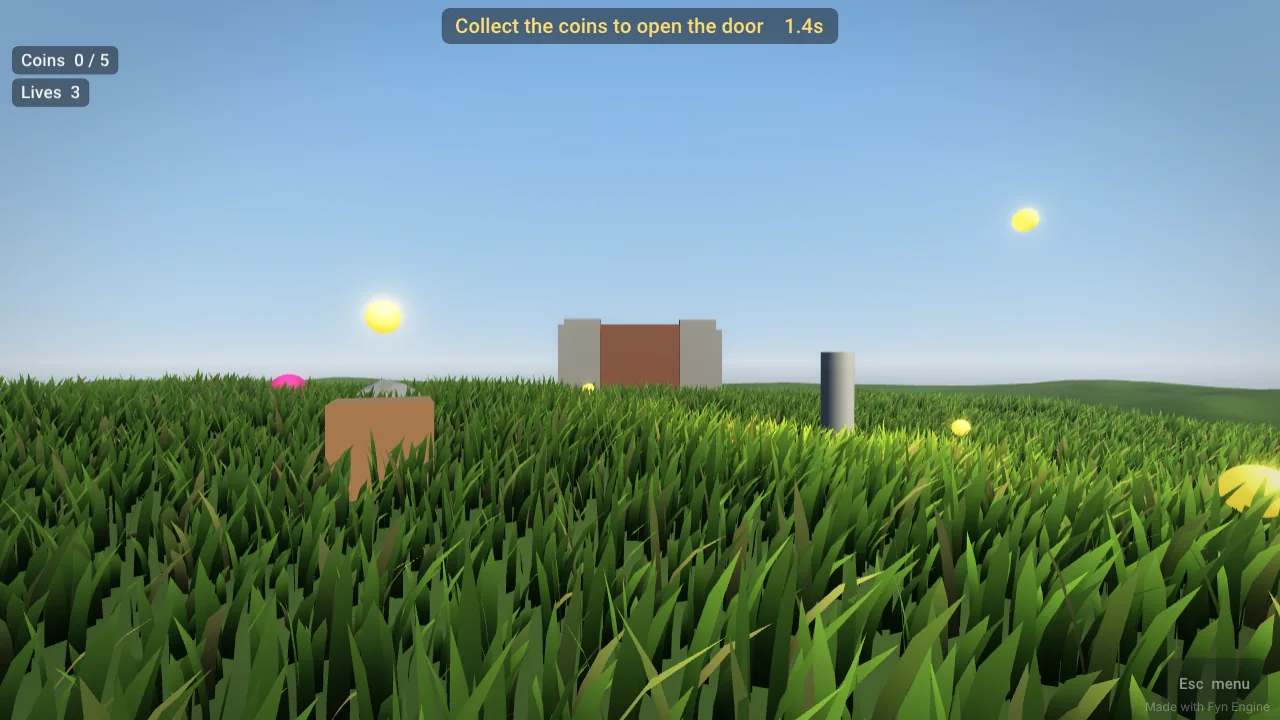
Soft real-time sun shadows, HDR with bloom so glowing things really glow, tone mapping and vignette. Day, Sunset and Night skies, fog and up to 8 coloured point lights. v0.6–0.7
Our own game engine · v0.8.1 · free
A lightweight C++ game engine with a visual editor and Lua scripting. Build a 3D level with the mouse, add grass, water, sound and your own models — now with real-time shadows, bloom and PBR materials — press Play — then export a Windows game or one HTML file for the browser.
Made with Fyn · runs in this page
This is a real Fyn export: the whole engine compiled to WebAssembly, plus the level, in one file. Walk with WASD, look with the mouse, Space to jump, Shift to run — collect every gem. On a phone: joystick on the left, look on the right.
Open it full screen in a new tab ↗ · Press Esc to free the mouse.
What it can do today
Soft real-time sun shadows, HDR with bloom so glowing things really glow, tone mapping and vignette. Day, Sunset and Night skies, fog and up to 8 coloured point lights. v0.6–0.7
Roughness and metallic sliders and normal maps on every object — shiny metal, rough stone, wet plastic. Works with your imported textures. v0.8
Play sounds, 3D sounds that come from a place in the world, and background music from Lua. Coins, jumps, hits, win and lose have built-in sounds. Drag in .wav, .mp3 or .flac. v0.8
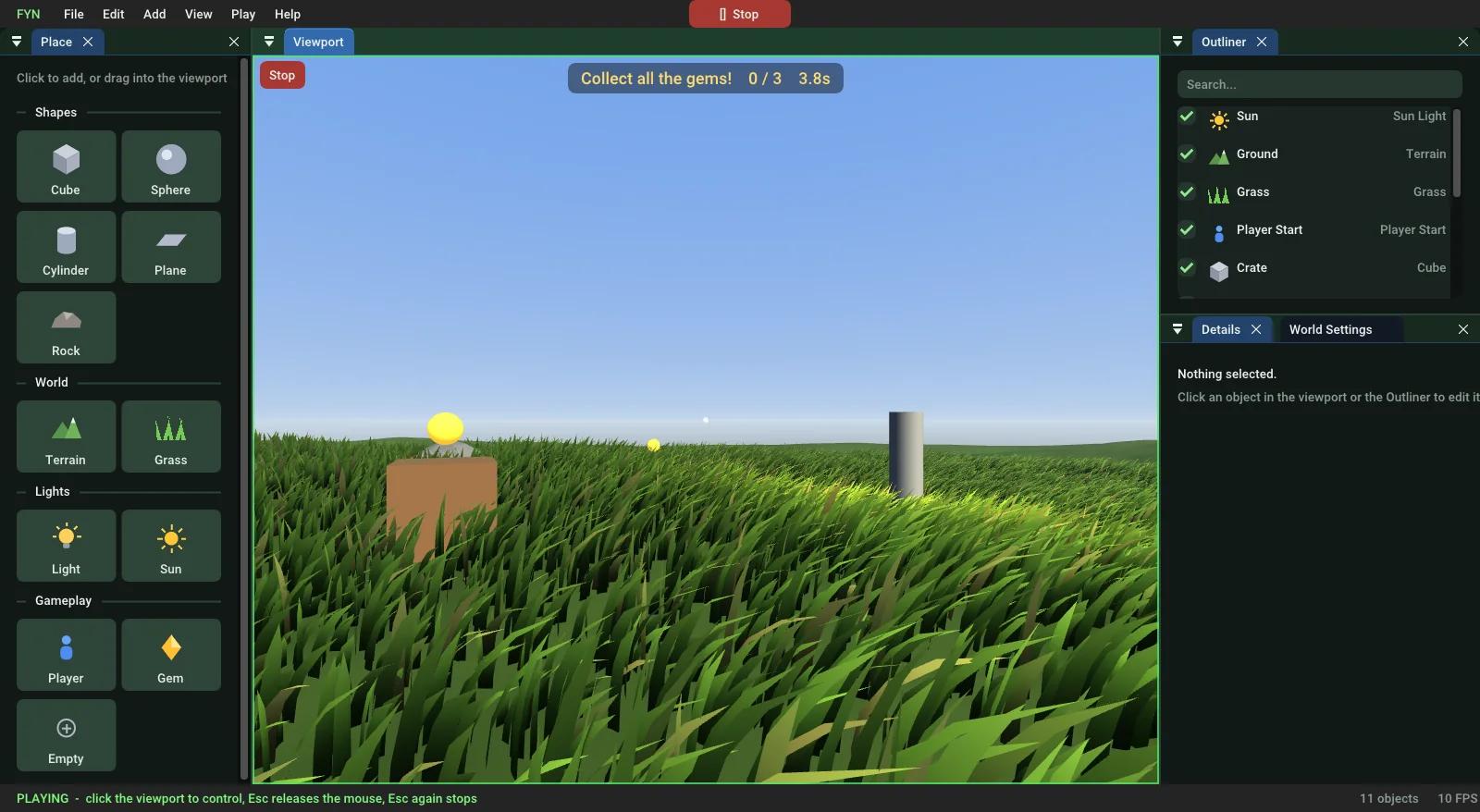
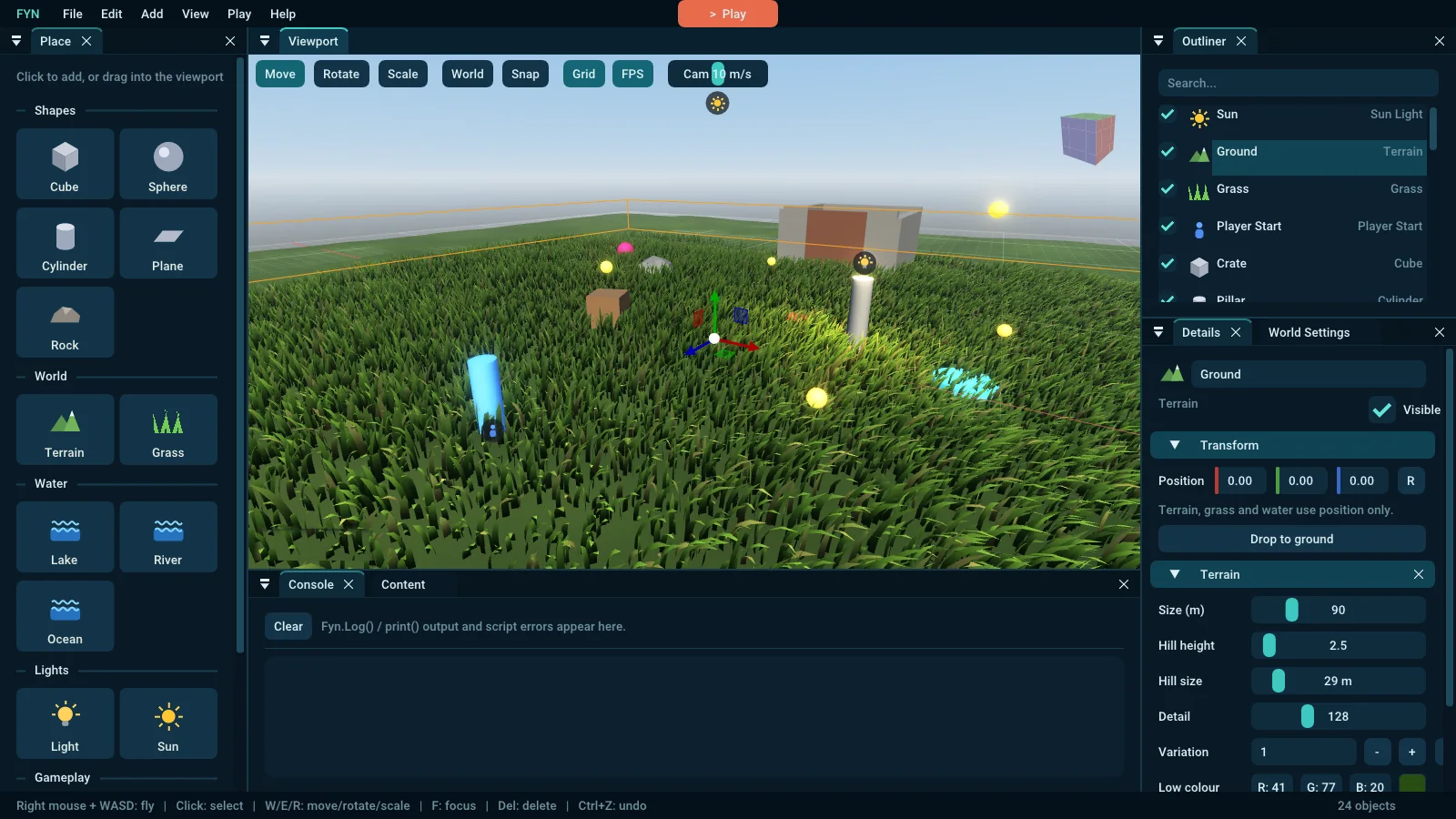
Drag shapes, rocks, terrain, grass, water, lights and a player start into the viewport. Gizmos, snapping, Outliner, Details, undo for everything — in the new Deep sea theme, with an FPS readout. v0.8.1
Object scripts with Start, Update, OnPlayerEnter… Properties you can tweak per object, Game Mode and Game Instance, prefabs and multiple levels. Scripts hot-reload while you play.
Lakes, rivers and oceans drawn with spline points. Flowing ripples, foam on shores and rapids, fresnel reflections, Gerstner waves — and the water carves the terrain. The player can swim.
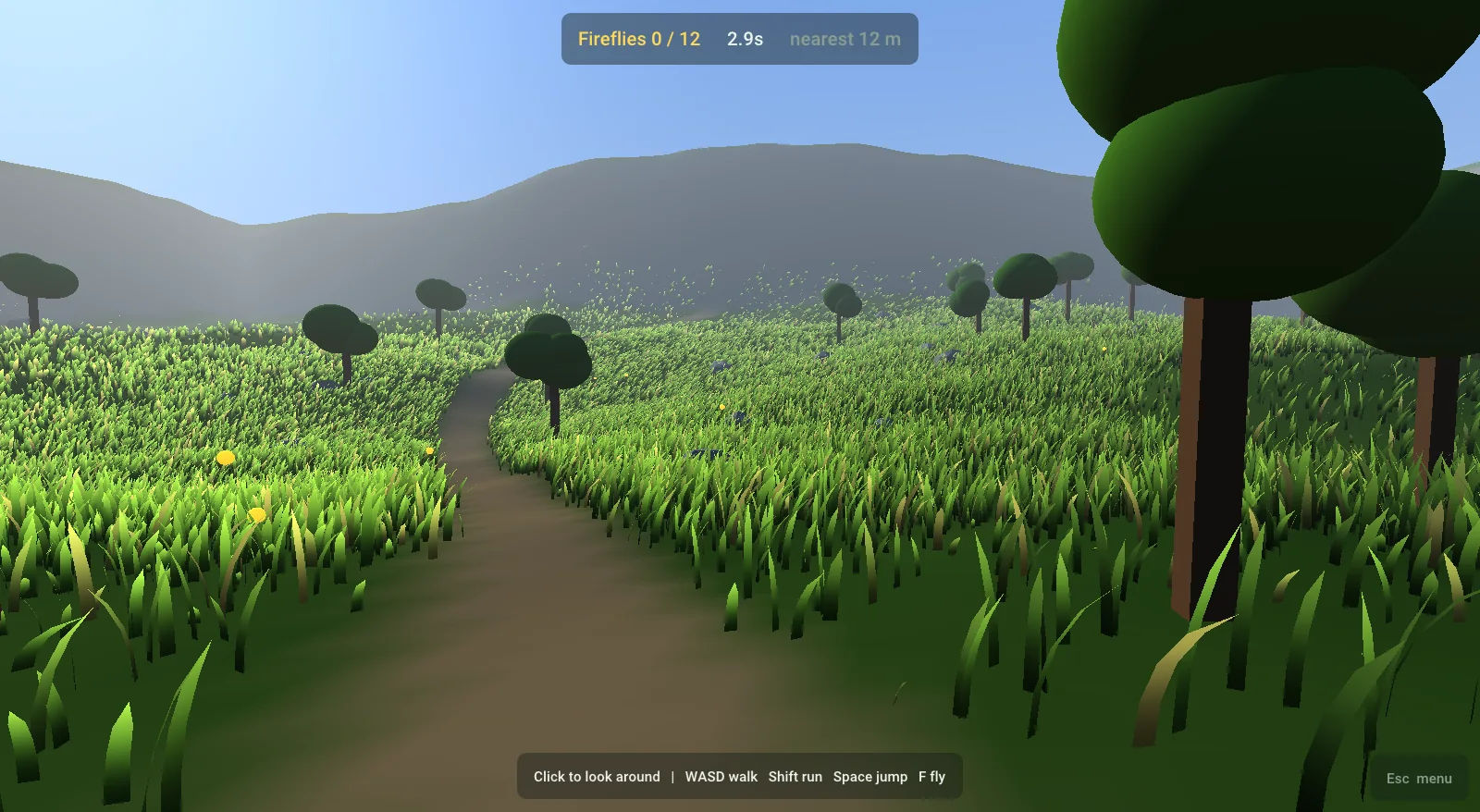
GPU-instanced, wind-blown grass that sits on rolling terrain and moves aside as you walk through it. Hills, detail and colours are all sliders.
Drag FBX or OBJ models and PNG / JPG textures from Explorer straight onto the editor. Embedded textures are pulled out for you; drop a texture on an object to apply it.
Export Game makes a Windows folder with your .exe. Export for Web makes one .html file — upload it to itch.io or any website. Touch controls are built in.
First-person walking, running, jumping, swimming and collisions, collect-all-gems-to-win, a timer, HUD text, checkpoints, a pause menu and settings.
Scripting
Add Script (Lua) to an object, write a small table of functions, and press Play. The values in Properties show up in the editor so you can tune every object without touching code. Errors show in the Console and only pause the broken script.
| Fyn | Like | Use it for |
|---|---|---|
| Object script | Unity MonoBehaviour | doors, enemies, jump pads, pickups |
| Game Mode | Unreal GameMode | score, timer, win / lose of a level |
| Game Instance | Unreal GameInstance | lives, total score, inventory between levels |
| Prefab | Unity prefab | reusable objects, Fyn.Spawn |
📖 Read the scripting guide 🌊 Water, models & web export guide
-- Scripts/JumpPad.lua
local JumpPad = {}
JumpPad.Properties = { power = 13 }   -- editable in Details

function JumpPad:OnPlayerEnter()
    Fyn.LaunchPlayer(self.power)
end

return JumpPad

-- Scripts/Coin.lua
local Coin = {}
function Coin:Update(dt)
    self.entity:Rotate(0, 90 * dt, 0)
end
function Coin:OnCollected()
    Fyn.PlaySound("coin")
    Fyn.ShowMessage("+1 coin!", 1)
end
return Coin
Screenshots
Quick start
FynEngine.exe. No install. A starter level and a welcome guide open.Windows may say “Windows protected your PC” because the exe isn't code-signed yet — click More info → Run anyway. Needs a graphics card with OpenGL 4.1 (almost any PC from the last 10 years).
Change log
Coming next
Ideas we're working toward — no dates yet.
Download
Editor (FynEngine.exe), the web player for Export for Web, the samples (FynSamples.exe) and the guides. Free for your own games. Windows 10 / 11, 64-bit, OpenGL 4.1.
Made by DRIFFFYNS with AI assistance. Uses open-source libraries (GLFW, Dear ImGui, ImGuizmo, GLM, Lua, ufbx, stb, nlohmann/json, glad) — see THIRD-PARTY-NOTICES.txt in the zip. Found a bug? Tell us on Discord.